
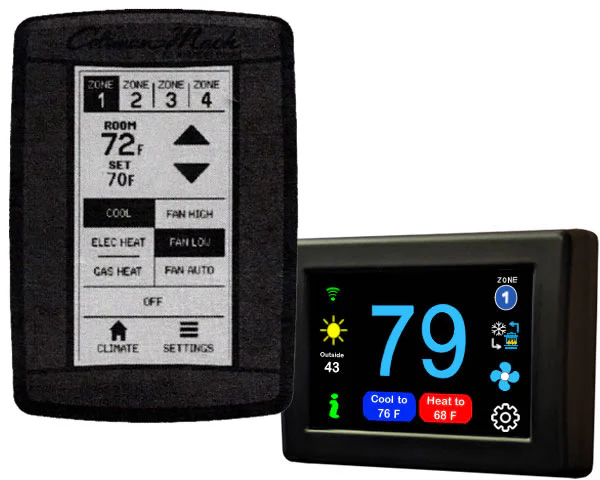
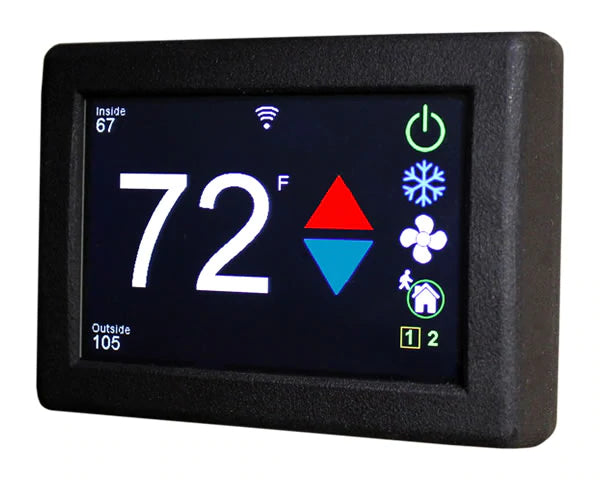
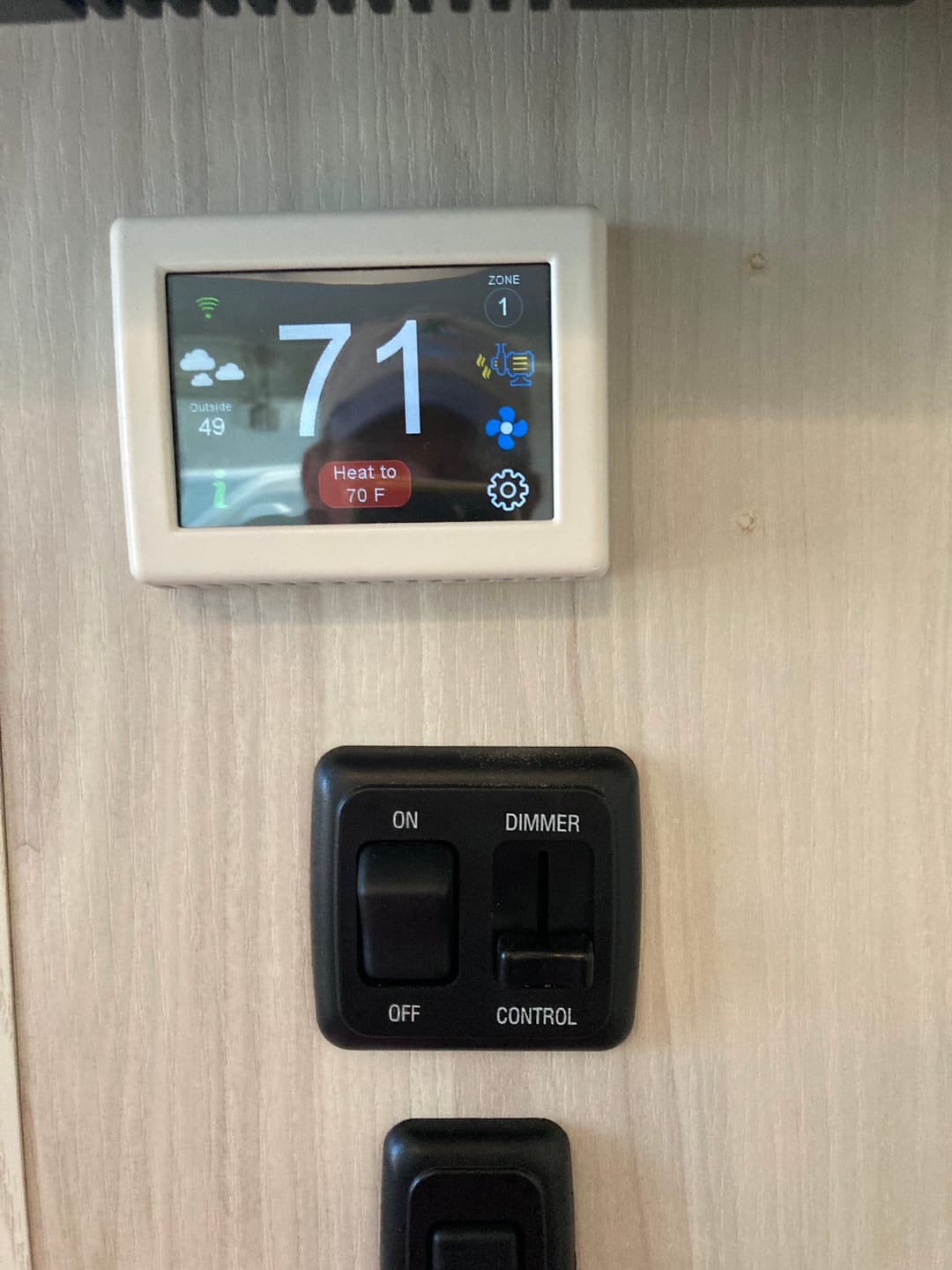
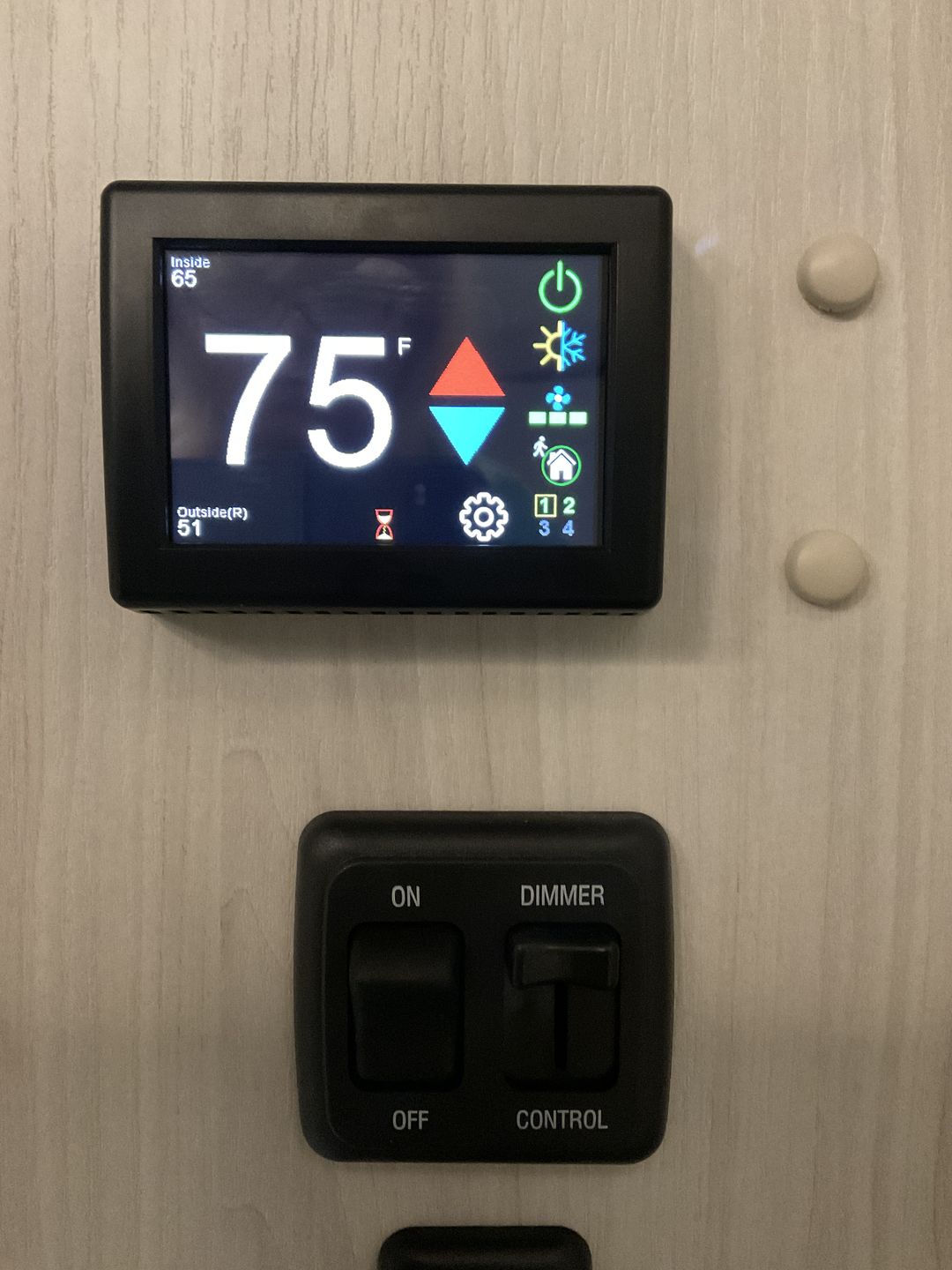
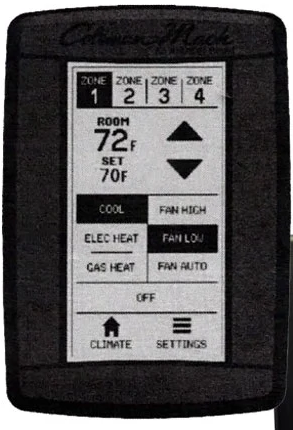
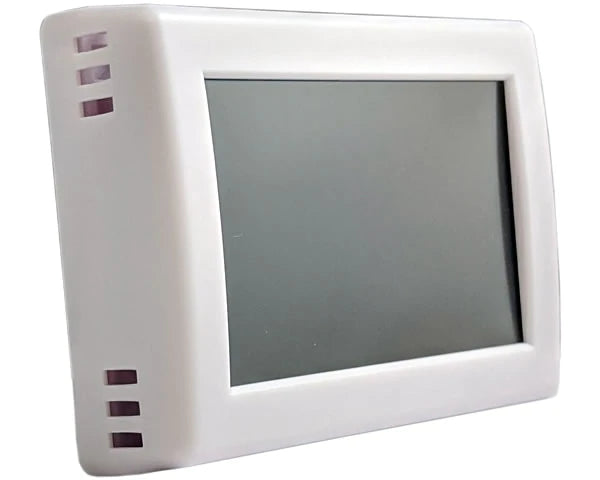
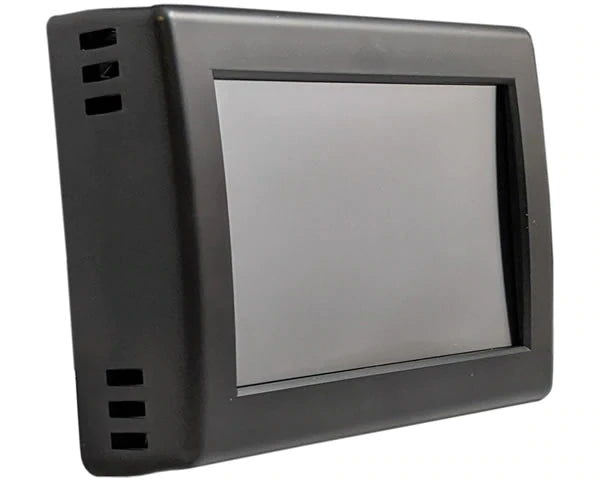


For context, I wanted to replace the thermostat in our 2025 Airstream Globetrotter 30RBT. It has dual GE Profile AC units. The existing thermostat in our rig is a Coleman Mach that looks like the following (picture 1). Please be extremely clear when you are ordering through Airgear or speaking to someone. The replacement Micro-Air thermostats are labeled based on the THERMOSTAT they are replacing, NOT the type of air conditioning units you have on your rig. I was originally sent a Micro-Air thermostats for a GE Profile thermostat. It was not compatible, despite our rig having GE Profile AC units. So when Airgear says make sure your existing thermostat looks like the one Micro-Air shows online, pay attention!! First, I removed the 15 amp fuse in our rig which controlled the 12v circuit for the AC thermostat. After confirming there was no power to the existing thermostat, removal was easy; simply lift the sides to have it pop off the mounting base. Our base was held in by two screws which were easy to remove. There was no need to tape our wires as they were all self-contained in a wiring harness. Four wires into a wiring quick connector, and one single wire which controlled the furnace. The quick connector simply pulled apart, and the single wire was released by unscrewing the connection with a small Philips head screwdriver. See Picture 2. Next, I held up the new Micro-Air thermostats to wall to best understand where to mount it so that it covered the existing screw holes and the hole in the cabinet through which the wiring harness was fed. After determining where I wanted the t-stat, I marked holes for the mounting screws and checked they were level. I then screwed in the mounting screws ensuring the plastic mounting template was taught between the two screws. You need to ensure these are tight all the way to the cabinet or wall and that the lip on the template is away from the way. With that complete, I connected the four wires in the quick connector to one of the two available connections; either will work. Choose the one that best orients your wires for when you put your t-stat on the wall right-side up. As for the furnace wire, you will need to check Table 3 in the Micro-Air instructions to know which connection it goes into. For our rig, the furnace is on zone 2, which meant I needed to use the H2 connection hole. The instructions say that you need to strip the wire to 3/8 inch. I tried that and had no luck getting the wire to connect and not pull out. After stripping it to 1/2 inch, I was able to get the wire to push in and not pull out. Mounting the t-stat was as simple as aligning it right-side up over the mounting screws, pushing the unit up against the cabinet/wall, and pushing down until you feel it slide and snap over the mounting screws. I reinstalled the 15 amp fuse for the 12v circuit and saw that the unit powered on. After going through the initial setup, I realized that the zones were backwards on the t-stat; turning on Zone 1 on the t-stat actually turned on and operated Zone 2. After a google search, I saw that one way to remedy this was to cut power and do a reset. So after turning off the power to all zones, I removed the 15 amp fuse for a couple seconds, and then replaced it. I went through the setup again on the Micro-Air t-stat and tried Zone 1 again; success. Tried Zone 2, again success. A little tidying up by using one of the provided screws and plastic buttons to cover a screw hole not covered by the thermostat, and the new t-stat was installed. See Picture 3. Next I set up an account with Easy Touch in the app on my phone. Once that was complete, I was able to successfully connect to and control the t-stat in our rig from my phone. I have an iPhone and had no issues. One thing that is not covered in the Micro-Air instructions, but is in a YouTube video by Brad Driver from Thirteen Adventures… Once you are connected via Bluetooth, you should go to Settings in the app, then check for updates to the firmware. I had to download and update. That should ideally happen before you try connecting via Wi-Fi. Tests of electric heat and AC on both zones, and then furnace on Zone 2 were all successful. I’m looking forward to the functionality that this thermostat gives for remote access to control the temperature in our rig. Right now, I’m rating this product 5 stars as everything does what it says it will do. I may come back and modify that if during real-world use things don’t work as expected.
Micro-Air EasyTouch: Coleman Mach RVC Multi Zone Replacement